
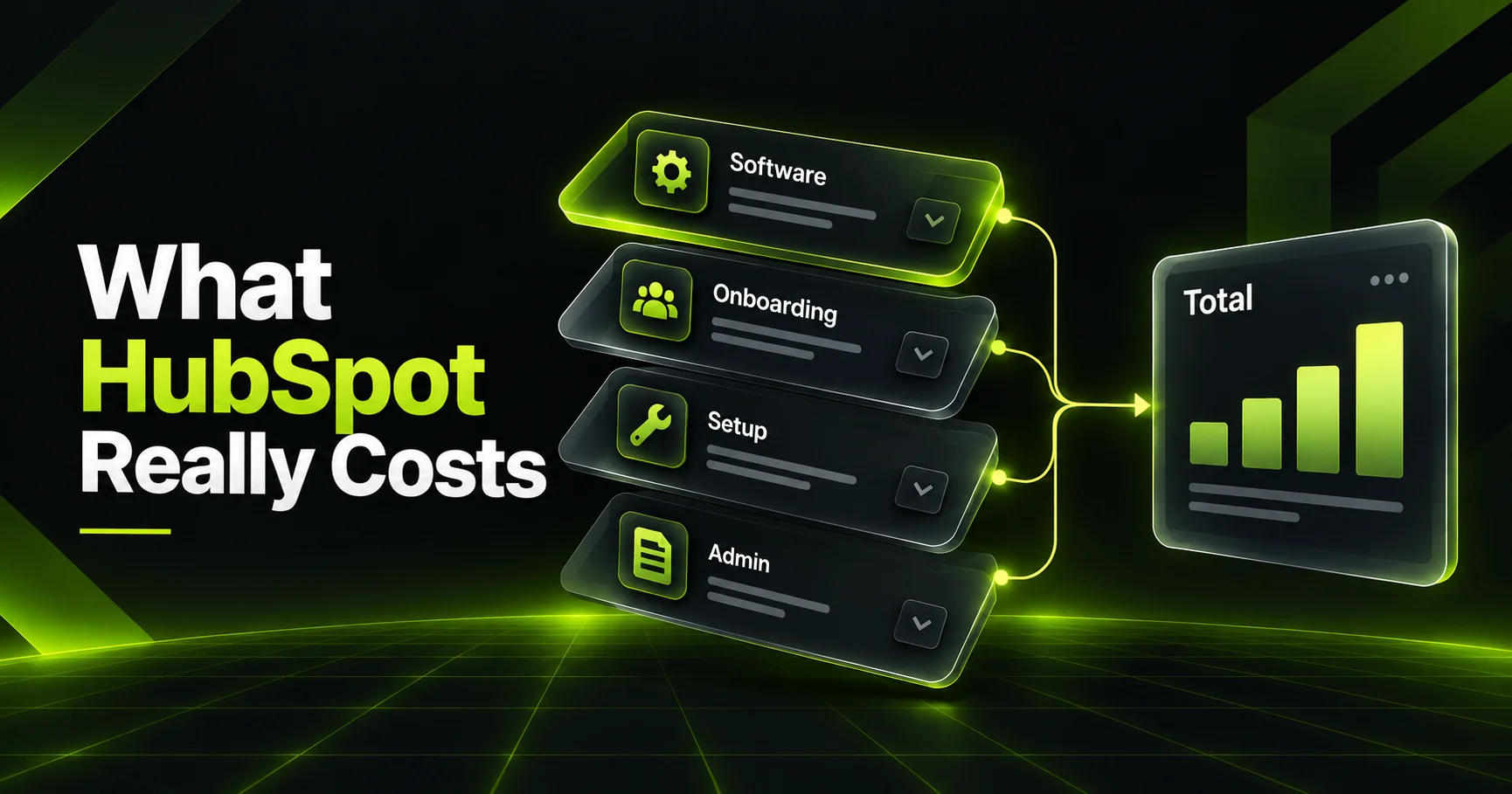
If you've priced HubSpot recently, you've probably noticed that the number on the pricing page is never the number you end up paying. The real HubSpot implementation cost has four parts: the software subscription, HubSpot's mandatory onboarding fee on Professional and Enterprise plans, the setup work (done by your team or a partner), and the ongoing admin time that keeps the system useful. For most small and mid-size teams, that adds up to somewhere between a few thousand dollars and the high five figures in year one.
That's a wide range, and the gap between the low end and the high end is almost entirely about decisions you control. Which hubs you buy, how messy your data is, how many tools need to connect, and who does the work all move the total far more than the list price does.
This guide breaks down every line item in plain language. We'll cover current HubSpot pricing by hub and tier, how the onboarding fee works, when an implementation partner is worth it, the hidden cost of your own team's time, a step-by-step budgeting process, a phased rollout that spreads the spend, how to read a partner quote, the mistakes that inflate the bill, and how to tell whether the whole thing paid off.
What Is HubSpot Implementation, and What Does It Really Cost?
HubSpot implementation is the work of turning a new HubSpot account into a working system for your business: importing and cleaning data, building pipelines and properties, setting up automation, connecting other tools, and training your team. The total HubSpot implementation cost combines software fees, a one-time onboarding fee, setup services and ongoing administration.
That definition matters because most buyers only budget for the first item. They see a per-seat price, multiply by headcount, and get surprised twice: once at signing, when the onboarding fee appears, and again three months later, when they realize nobody has time to build the workflows they bought the software for.
It also matters because CRM projects have a rough track record. Research from Johnny Grow's CRM Failure Report found that 55 percent of CRM implementations did not achieve their planned objectives, and only 36 percent came in on their planned budget. Budgeting honestly up front is one of the cheapest ways to avoid becoming part of that statistic.
The cheapest HubSpot implementation isn't the one with the lowest quote. It's the one your team actually uses six months later.
The Four Layers of HubSpot Implementation Cost
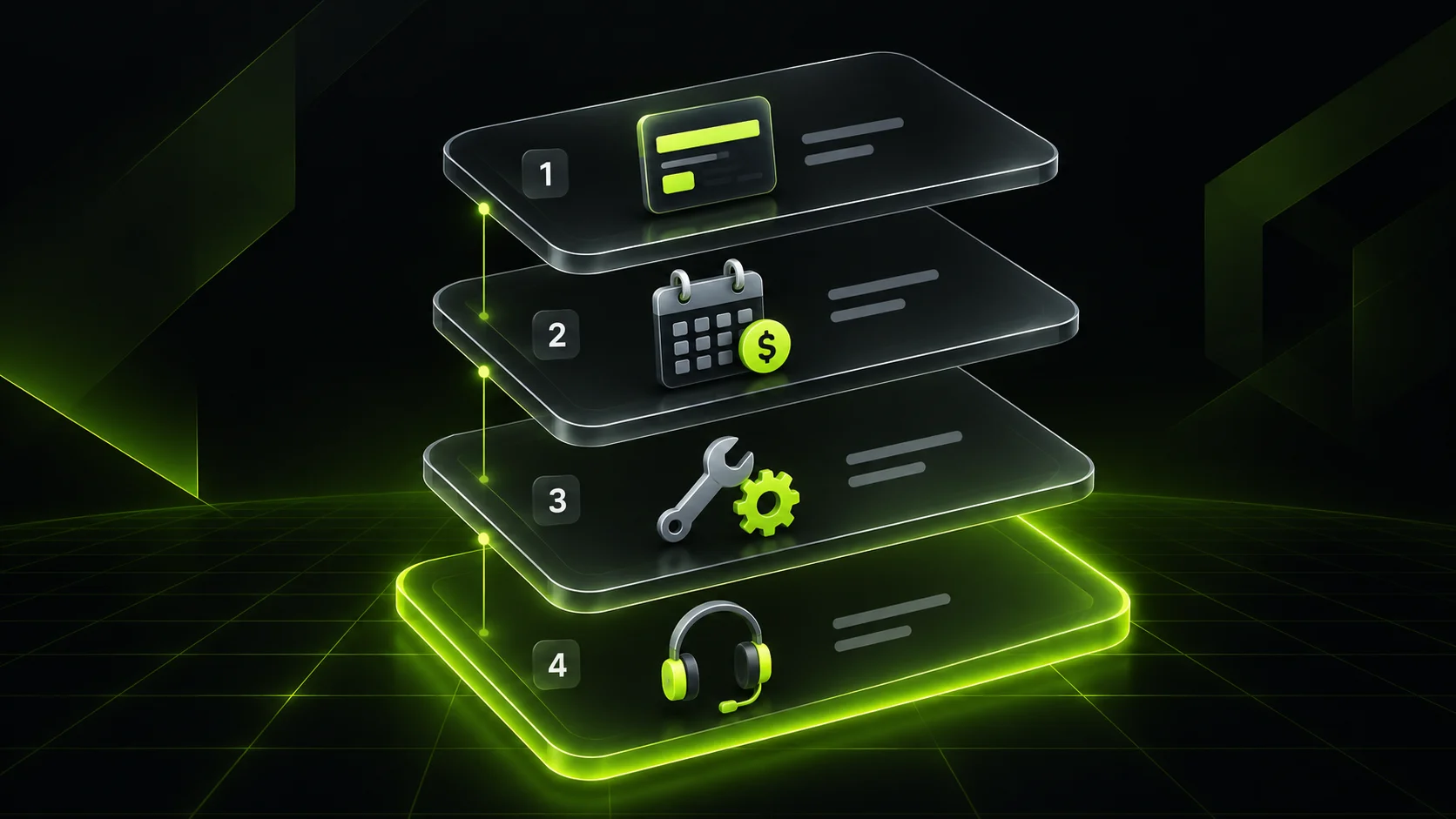
Think of your budget as four stacked layers. Each one behaves differently: some are one-time, some recur, and one never shows up on an invoice at all.
1. The Software Subscription
This is the recurring license fee. HubSpot prices most hubs per seat, with some Professional and Enterprise plans priced as a flat monthly base that includes a set number of seats. Professional and Enterprise plans typically require an annual commitment, so this layer is the one you'll be paying for the longest.
2. HubSpot's Mandatory Onboarding Fee
On most Professional and Enterprise plans, HubSpot charges a required, one-time onboarding fee. According to HubSpot's own Marketing Hub pricing page, Professional onboarding is $3,000 and Enterprise onboarding is $7,000. On the Sales Hub pricing page, Professional onboarding is listed at $1,500.
This fee buys guided setup with a HubSpot onboarding specialist. It's useful, but it follows HubSpot's standard process. It isn't a custom build around your sales cycle.
3. Implementation Services
This is the actual configuration work: migrating data, designing properties and pipelines, building workflows, connecting integrations, and creating reports. Your own team can do it, a HubSpot Solutions Partner can do it, or you can split the work. This layer has the widest range, because it scales with complexity rather than with seats.
4. Ongoing Administration
After launch, someone has to maintain the system. New hires need access, workflows need tuning, reports need updating, and the business changes. Whether that's an internal admin, a fractional consultant or a managed services retainer, this is a real, recurring cost that most first-year budgets forget.
HubSpot Pricing by Hub and Tier in 2026
Before you can estimate HubSpot implementation cost, you need the software baseline. The table below shows published list prices from HubSpot's official pricing pages at the time of writing. HubSpot updates packaging regularly, so treat these as a starting point and confirm on the live pages before you sign.
| Hub | Starter | Professional | Enterprise | One-time onboarding (Pro / Enterprise) |
|---|---|---|---|---|
| Marketing Hub | From $7/seat/mo | From $800/mo, 3 core seats, 2,000 marketing contacts | From $3,600/mo, 5 core seats, 10,000 marketing contacts | $3,000 / $7,000 |
| Sales Hub | From $7/seat/mo | $90/seat/mo billed annually ($100 monthly) | $150/seat/mo | $1,500 / $3,500 |
Service Hub follows a similar per-seat model to Sales Hub, and HubSpot also sells bundled Customer Platform plans that combine several hubs. If you need more than two hubs, price the bundle against buying each hub separately before you decide.
Three details in this table catch people out. First, Marketing Hub is priced by marketing contacts as well as seats, so your bill grows as your database grows. Second, Starter plans carry no onboarding fee, which makes them a smart first step for small teams. Third, the onboarding fee is charged per hub, so buying three Professional hubs means three fees unless you're on a bundle.
HubSpot Onboarding vs Partner vs DIY: How to Choose
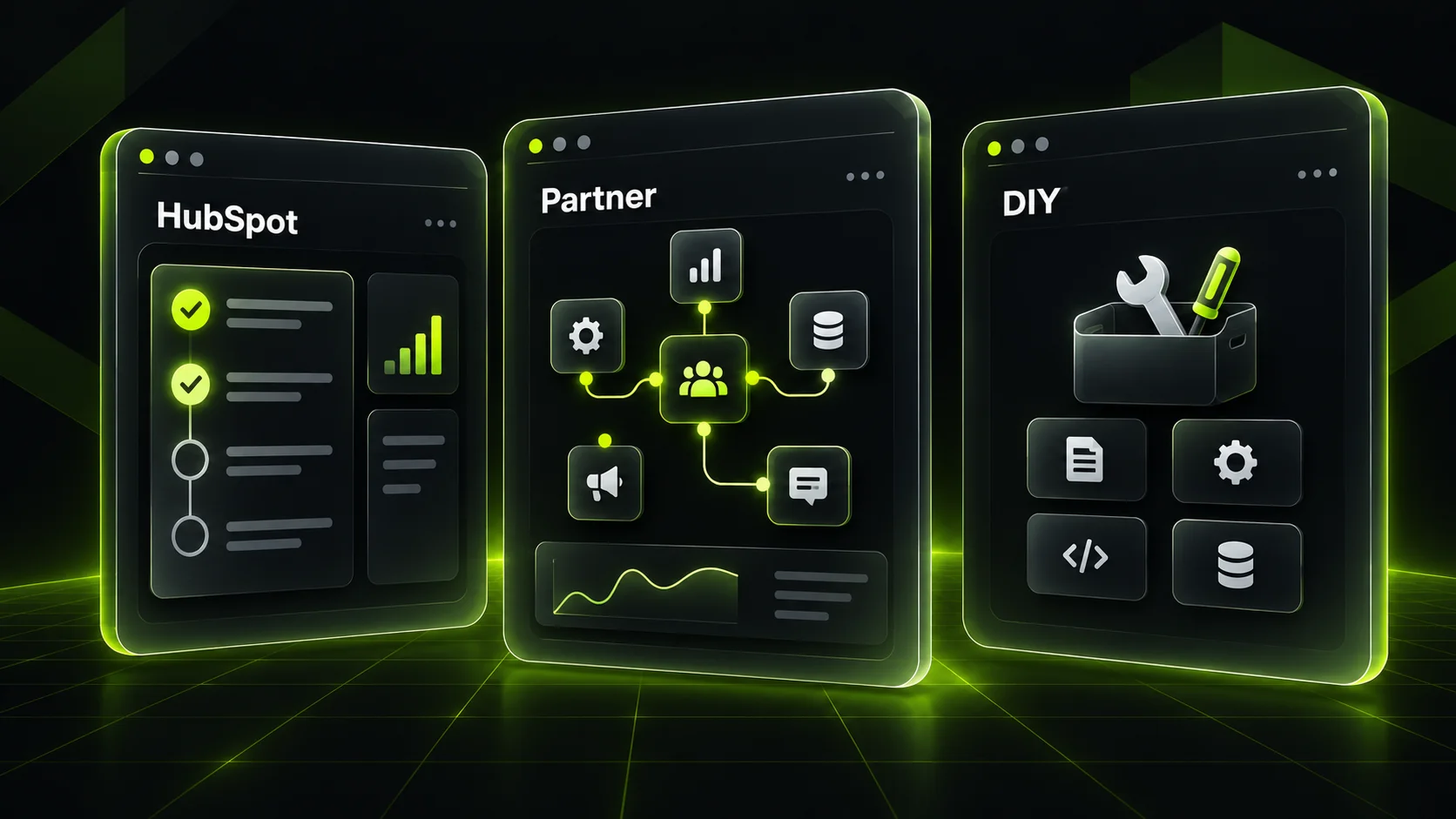
You have three realistic paths for the setup work. Each one shifts your HubSpot implementation cost between your invoice and your calendar.
| Path | What you pay | What you get | Best for |
|---|---|---|---|
| HubSpot-led onboarding | The mandatory onboarding fee | Guided setup calls, standard configuration, training on HubSpot's default process | Simple sales processes, teams with an internal owner who has time to build |
| HubSpot Solutions Partner | Partner fee, sometimes with the HubSpot fee reduced or redirected | Custom pipelines, data migration, integrations, role-based training, reporting | Multi-hub setups, messy data, connected tools, teams with no spare capacity |
| DIY on Starter | Software only | Whatever your team builds, with free HubSpot Academy training | Very small teams, simple pipelines, low data volume |
A good HubSpot implementation partner earns its fee when your setup has real complexity: data coming from an old CRM and three spreadsheets, a billing tool that needs to sync, or a sales process with multiple pipelines and handoffs. Published partner guides put typical project fees at roughly $2,500 to $3,500 for Starter scope, $7,500 to $10,000 for Professional scope, and $18,000 or more for Enterprise builds, and quotes vary widely from firm to firm.
If you're comparing partners, the same principles from our guide on digital marketing agency selection criteria apply: ask for a fixed scope, named deliverables, and examples of similar builds. A team that offers end-to-end CRM implementation and management should be able to explain exactly what's in and out of scope before you sign anything.
What Drives Your HubSpot Implementation Cost Up or Down
Two companies buying the same hub at the same tier can end up with very different totals. These are the variables that do the damage.
Data Migration and Data Quality
Volume matters less than quality. Moving 5,000 clean records is quick. Moving 5,000 records with duplicates, inconsistent country fields, and three different spellings of "Closed Won" is a project. HubSpot CRM migration cost is mostly the cost of cleaning, mapping and validating, not the import itself.
Integrations
Native integrations from the HubSpot App Marketplace can take minutes. Custom API work, two-way syncs with an ERP or billing system, or anything without a pre-built connector takes days and needs testing. If your stack includes tools HubSpot doesn't connect to natively, a middleware layer built with workflow automation is often cheaper than custom code. We compared two popular options in our n8n vs Zapier for small business guide.
Number of Hubs and Tiers
Every additional hub adds configuration, testing and training. Enterprise features like custom objects, advanced permissions and sandbox accounts add design work. You don't need the same tier on every hub, and mixing tiers is one of the easiest ways to control cost.
Process Complexity
One pipeline with five stages is simple. Multiple pipelines, approval steps, territory routing, and lead scoring rules each add build time and, more importantly, decision time. The slowest part of most projects isn't building. It's getting stakeholders to agree on how the process should work.
Training and Change Management
Software nobody uses is the most expensive kind. Role-based training, short playbooks, and a 30, 60 and 90 day adoption check-in are part of real implementation cost, not optional extras.
The Hidden Line Item: Your Team's Time
Here's the part of HubSpot implementation cost almost no pricing guide calculates: the hours your own people spend on the project. Even with a partner doing the heavy lifting, someone on your side has to make decisions, provide data, test workflows and attend training.
Run the math for your own team. Picture a project where a sales manager, a marketing lead and an operations person each spend around 40 hours over a three-month rollout: workshops, data review, testing and training. If their loaded cost averages $60 an hour, that's 120 hours and $7,200 of internal time that never appears on an invoice.
On a DIY build, that number is far higher, because your team does the configuration too. That's the trade-off people miss when they compare a partner quote against "doing it ourselves for free."
DIY is never free. It's paid for in the hours your best people aren't selling, marketing or serving customers.
The fix isn't to avoid DIY. It's to be honest about capacity. If your internal owner can't block out real time each week for two to three months, the cheapest path on paper will usually be the most expensive in practice.
Step-by-Step: How to Budget a HubSpot Implementation
Use this sequence to build a year-one HubSpot implementation cost estimate you can defend to a co-founder or finance lead.
Map your current process.
Write down how a lead becomes a customer today: where leads come from, who touches them, what stages they pass through, and where data lives. This becomes your scope document.
Choose hubs and tiers by need, not by bundle.
List the features you'll use in the first six months. If nothing on that list requires Professional, start on Starter.
Count seats precisely.
Separate people who need full sales or service seats from people who only need to view records or reports. Paid seats are where overbuying hides.
Audit your data.
Export everything you plan to migrate and check duplicates, missing fields and inconsistent values. Estimate cleanup hours honestly.
List every integration.
Note which ones are native, which need middleware, and which need custom work. Flag anything that must sync both ways.
Add the onboarding fee per hub.
Check the live pricing pages for each hub and tier you've chosen.
Get two or three fixed-scope quotes.
Give every partner the same scope document so the quotes are comparable.
Add internal time and year-one admin.
Include the hours estimate from the previous section and a monthly figure for post-launch support.
Add a 15 to 20 percent contingency.
Projects grow once people see what's possible. Plan for it rather than fighting it.
A Phased Rollout That Spreads the Cost
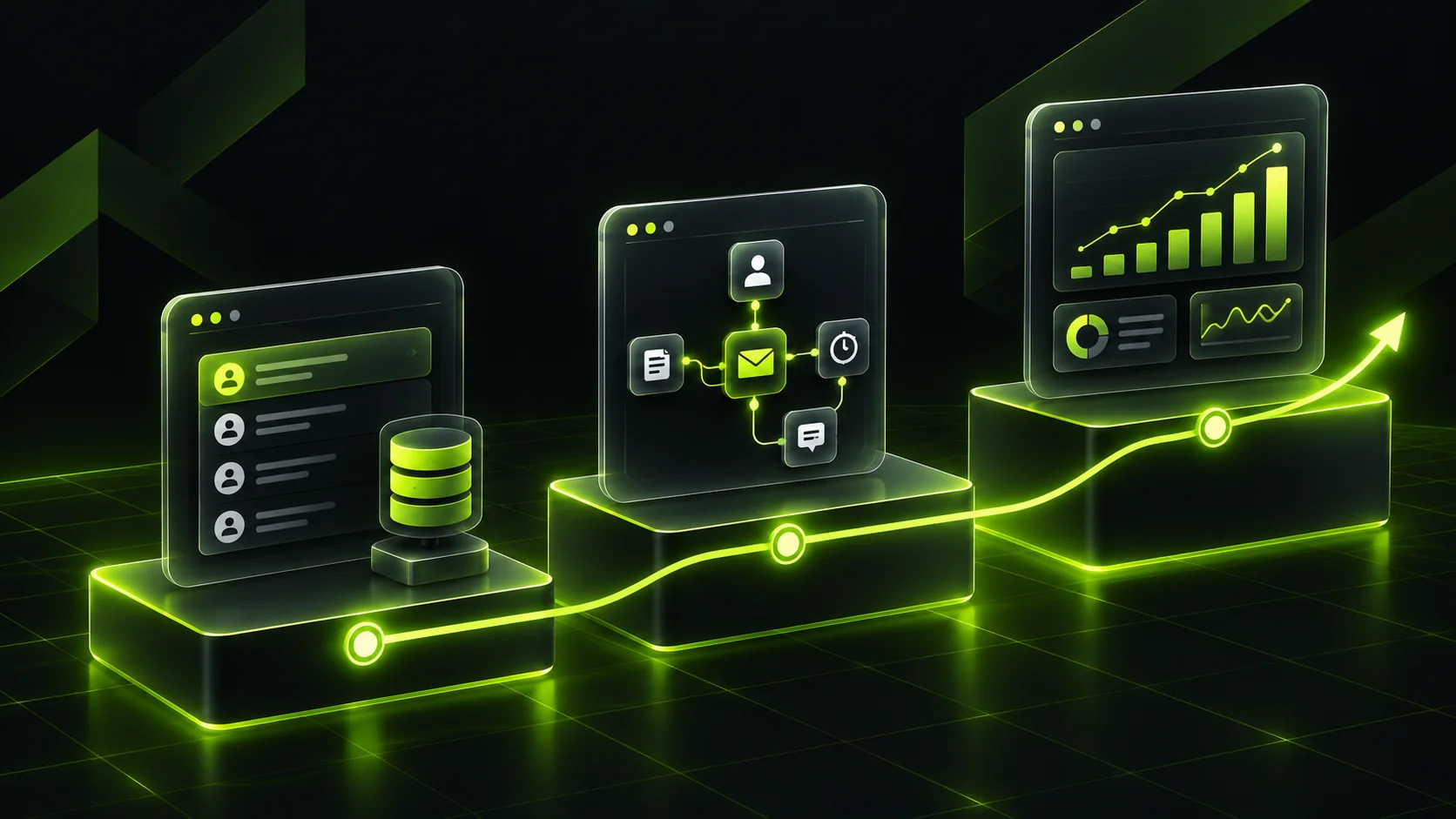
You don't have to buy and build everything at once. A phased rollout lowers your upfront HubSpot implementation cost, reduces risk, and gives your team time to adopt each piece before the next one lands.
Phase One: Clean CRM Foundation
Start with the core: clean contact and company data, one well-designed deal pipeline, email and calendar connected, and a basic dashboard. Many teams can do this on Starter or on Sales Hub Professional alone. The goal is simple: everyone works out of one system.
Phase Two: Automation and Marketing
Once the CRM is trusted, add lead capture forms, lifecycle stages, nurture sequences and handoff rules between marketing and sales. This is usually when Marketing Hub Professional starts paying for itself, and when a structured email marketing program has clean data to work with.
Phase Three: Reporting, Service and AI
With six months of clean data, attribution and forecasting reports finally mean something. This is also the right moment to add Service Hub, customer portals, or AI agents, because they depend on the data foundation you've already built.
The bonus of phasing: each step is a smaller, fixed-scope project, so you can measure results before committing more budget.
How to Read a HubSpot Implementation Partner Quote
Two quotes for "HubSpot implementation" can describe completely different projects. Before comparing prices, check what each one actually includes.
Green Flags
- A written scope listing pipelines, properties, workflows, integrations and reports by name.
- A clear data migration plan, including who cleans the data and how it's validated.
- Role-based training sessions, not one generic walkthrough.
- A statement on whether HubSpot's onboarding fee is included, reduced or charged separately.
Red Flags
- Hourly billing with no cap and no defined deliverables.
- "Unlimited workflows" or similar promises with no discovery call first.
- No mention of data cleanup, which usually means it becomes a change order later.
- Pressure to buy Enterprise before anyone has mapped your process.
- No named person accountable for the project on the partner side.
A trustworthy partner will tell you when you don't need them. If your process is simple and someone on your team has time, the honest answer is sometimes "start on Starter and call us when you outgrow it."
Common Mistakes That Inflate HubSpot Implementation Cost
Buying the Tier Before Mapping the Process
Teams often upgrade to Professional or Enterprise for one feature, then pay for a year of capacity they don't use. Map the process first, then buy the tier that supports it.
Migrating Dirty Data
Importing everything "to clean up later" means paying twice: once to migrate, and again to fix reports, duplicates and broken automation. Clean before you move.
Ignoring Contact Tiers
On Marketing Hub, you pay for marketing contacts. Importing every old trade show list as marketing contacts can push you into a higher tier immediately. Mark cold or inactive contacts as non-marketing contacts.
Rebuilding Old Workarounds
Your old CRM probably has workarounds built around its limitations. Copying those into HubSpot carries the problems forward. Rebuild around the outcome, not the old screen.
Skipping Training
A rollout without proper training produces a CRM nobody updates. That's when leadership decides "HubSpot doesn't work" and the investment quietly dies.
How to Measure Whether Your Implementation Paid Off
The question "is HubSpot worth it" only has an answer if you define success before you start. Whatever your final HubSpot implementation cost, pick a short list of numbers, record a baseline, and review them monthly.
- Adoption: the share of your team logging activity in HubSpot each week.
- Data health: duplicate rate and percentage of records with key fields complete.
- Speed to lead: average time from form submission to first sales touch.
- Pipeline visibility: whether leadership can forecast from HubSpot without a separate spreadsheet.
- Conversion rates: lead to opportunity and opportunity to customer, by source.
- Hours saved: manual tasks replaced by automation, multiplied by the cost of those hours.
If adoption is low, no other metric matters yet. Fix usage first, then optimize.
The Practical Toolkit Around a HubSpot Rollout
HubSpot rarely runs alone, and the supporting tools belong in your HubSpot implementation cost too.
- Data cleanup tools: spreadsheets or deduplication apps to fix records before import.
- Middleware: an automation platform to connect tools that lack native integrations.
- Website forms and tracking: your site has to pass clean data into HubSpot, which is where solid web development pays off.
- AI features: HubSpot's agents and some automation actions run on HubSpot Credits, a usage-based allowance covered in the next section. Set feature-level limits so usage stays predictable.
- Documentation: a simple internal wiki explaining pipeline stages, required fields and who owns what.
If you're planning chatbots or AI agents on top of HubSpot, scope them as their own phase. Teams that bring in AI solutions after the data foundation is solid get far better results than teams that bolt AI onto a messy CRM.
A Realistic Example: Budgeting for a 12-Person B2B Team
Picture an illustrative B2B services firm with 12 people: four in sales, two in marketing, and the rest in delivery and leadership. They're moving from spreadsheets and a basic free CRM, and they want marketing automation plus a proper sales pipeline. This scenario is a planning exercise, not a client story, and every figure should be checked against current pricing.
Using HubSpot's list prices, they might choose Marketing Hub Professional at $800 a month (annual billing, three core seats included) and four Sales Hub Professional seats at $90 each, about $1,160 a month in software, or roughly $13,920 a year before contact tier increases. Onboarding fees for Marketing Hub Professional ($3,000) and Sales Hub Professional ($1,500) add $4,500 once.
Next comes the setup work. Their data needs real cleanup, and they need their website forms and accounting tool connected. A Professional-scope partner project in the published range above would sit between $7,500 and $10,000. Add internal time, similar to the 120 hours we estimated earlier, and a modest monthly support allowance after launch.
The point of the exercise isn't the exact HubSpot implementation cost. It's that the software is only about half of the first-year number. A team that budgeted only for licenses would be underfunded by roughly half before they started, which is exactly how projects end up over budget and under-adopted.
If this team phased the rollout, starting with Sales Hub and a clean pipeline, then adding Marketing Hub in month four, they could push part of that spend into a later quarter and only commit once the CRM was trusted.
Where HubSpot Costs Are Headed Next
A few shifts will shape HubSpot implementation cost over the next year or two.
Usage-based AI pricing. HubSpot Credits introduce consumption-based spend alongside seats. According to HubSpot's product and services catalog, most Professional hubs include 3,000 credits a month, and extra credits cost $0.010 each. Heavy use of agents can push past the included allowance, so budget a small monthly buffer and set limits.
Seat-based packaging. HubSpot has moved most hubs to per-seat pricing with distinct seat types. That rewards teams that assign seats carefully and penalizes teams that give everyone full access by default.
Startup discounts. Eligible startups can get significant discounts through HubSpot for Startups, which offers 30 to 90 percent off net-new Professional or Enterprise products depending on funding stage and affiliation. If you qualify, it can change the math dramatically.
Final Key Points
- HubSpot implementation cost has four layers: software, the mandatory onboarding fee, setup services and ongoing administration.
- Professional and Enterprise plans carry a one-time onboarding fee per hub, from $1,500 to $7,000 depending on hub and tier.
- Implementation services scale with complexity: data quality, integrations, number of hubs and process design.
- Your team's time is a real cost, especially on DIY builds, so estimate it honestly.
- A phased rollout lowers upfront spend and improves adoption.
- Compare partner quotes on scope, not price, and watch for missing data cleanup.
- Define success metrics before launch so you can prove the investment paid off.
Frequently Asked Questions
How much does HubSpot implementation cost for a small business?
For a small team on Starter plans with simple needs, the main costs are software and your own setup time, since Starter carries no onboarding fee. Once you move to Professional, expect HubSpot's onboarding fee per hub plus setup work. From there, the total depends heavily on data cleanup and integrations.
Is the HubSpot onboarding fee mandatory?
Yes, on most Professional and Enterprise plans. HubSpot lists it as a required one-time fee on its pricing pages, for example $3,000 for Marketing Hub Professional and $1,500 for Sales Hub Professional. Some buyers working with a Solutions Partner report the fee being reduced or redirected, so ask before you sign.
How long does a HubSpot implementation take?
A simple Starter setup can be live in a few weeks. HubSpot-led onboarding is a time-boxed guided program, and multi-hub projects with migration and integrations often take two to four months. The biggest factor in the HubSpot implementation timeline is usually how quickly your team makes decisions and provides clean data.
Do I need a HubSpot implementation partner?
Not always. If your process is simple, your data is clean, and someone internal has time, HubSpot-led onboarding or a DIY Starter setup can work well. A partner makes sense when you're migrating messy data, connecting several tools, or running multiple pipelines.
What is the biggest hidden cost in a HubSpot rollout?
Internal time and data cleanup are the two parts of HubSpot implementation cost most teams underestimate, and both grow when a project lacks a clear owner. Contact tier increases on Marketing Hub are another common surprise once you import your full database.
How much does HubSpot CRM migration cost?
It depends far more on data quality than on record count. Clean, well-structured data from a standard CRM migrates quickly. Duplicates, custom fields with inconsistent values, and historical activity you want to preserve all add mapping and validation hours.
Is HubSpot worth it for growing businesses?
It's worth it when the team actually uses it and the setup matches your process. HubSpot's strength is having marketing, sales and service data in one place, which pays off in faster follow-up and clearer reporting. It's not worth it if you buy advanced tiers you never configure.
Can I reduce my HubSpot implementation cost?
Yes. Start on Starter or a single Professional hub, clean your data before migration, assign paid seats carefully, phase the rollout, and get fixed-scope quotes. Eligible startups should also check HubSpot for Startups discounts on Professional and Enterprise products.
For more questions?
Contact Us